Jexity Slides
Jexity Slides is a web application from Evelan for creating presentations with AI. You describe the topic and the AI builds the slides.
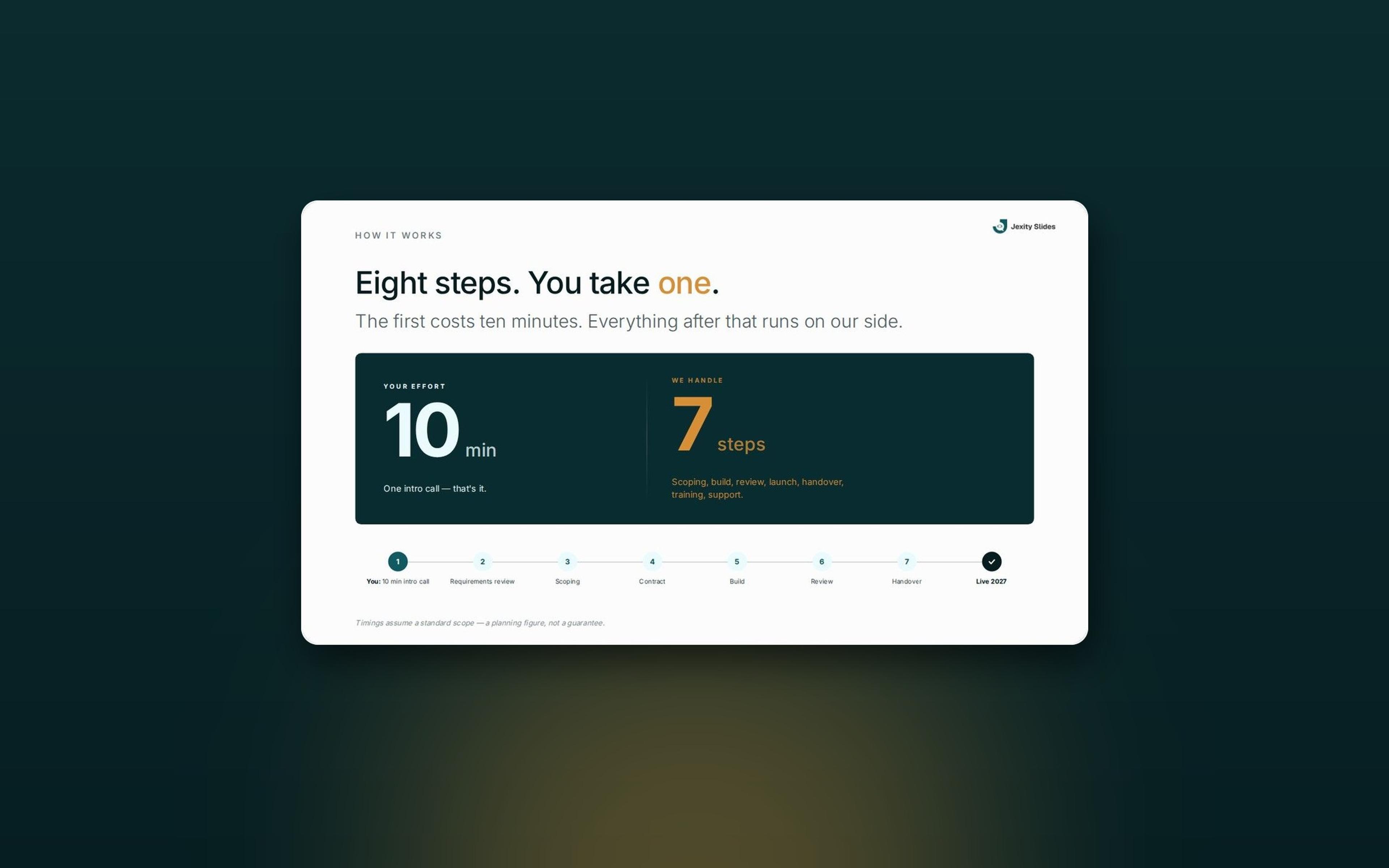
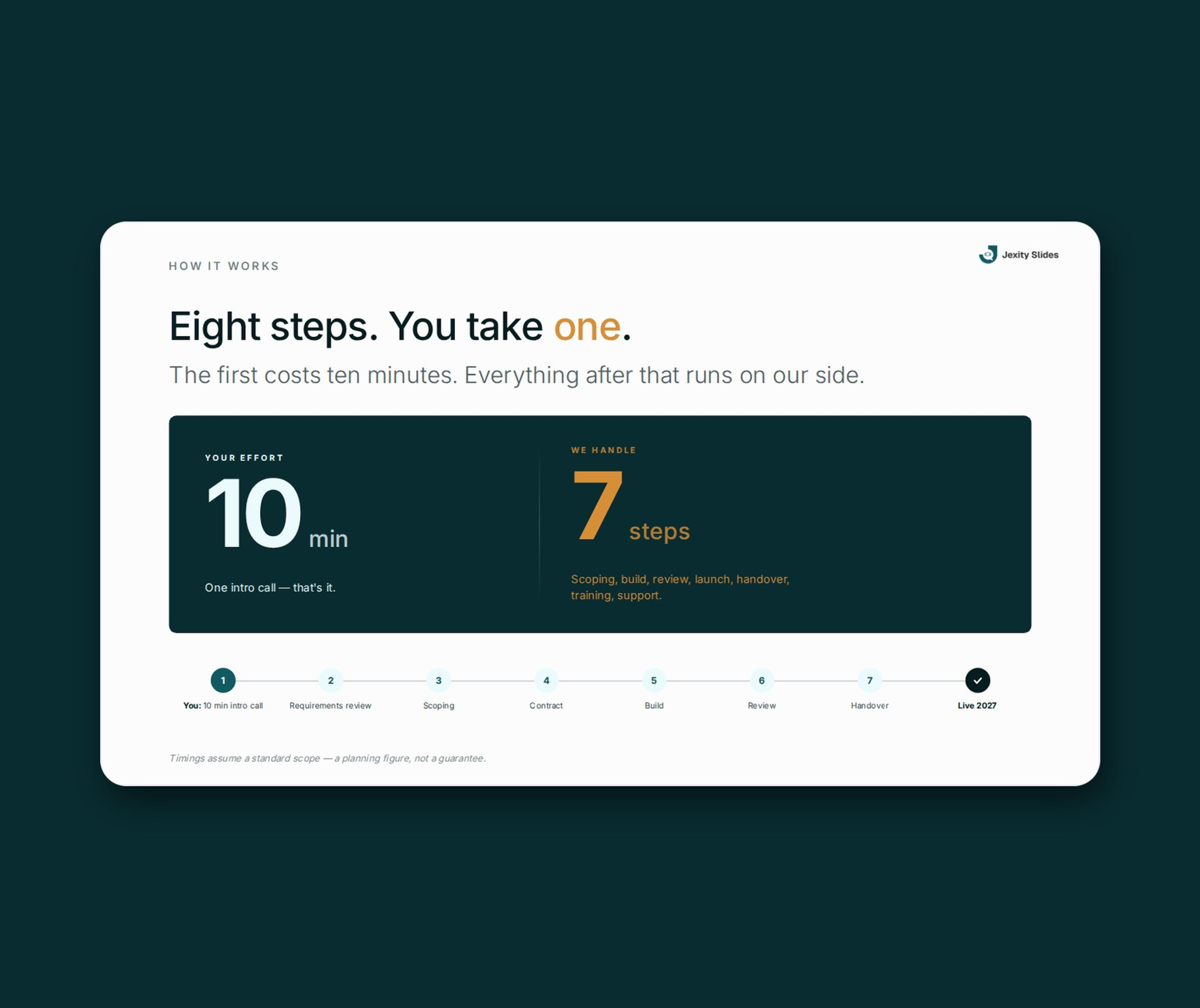
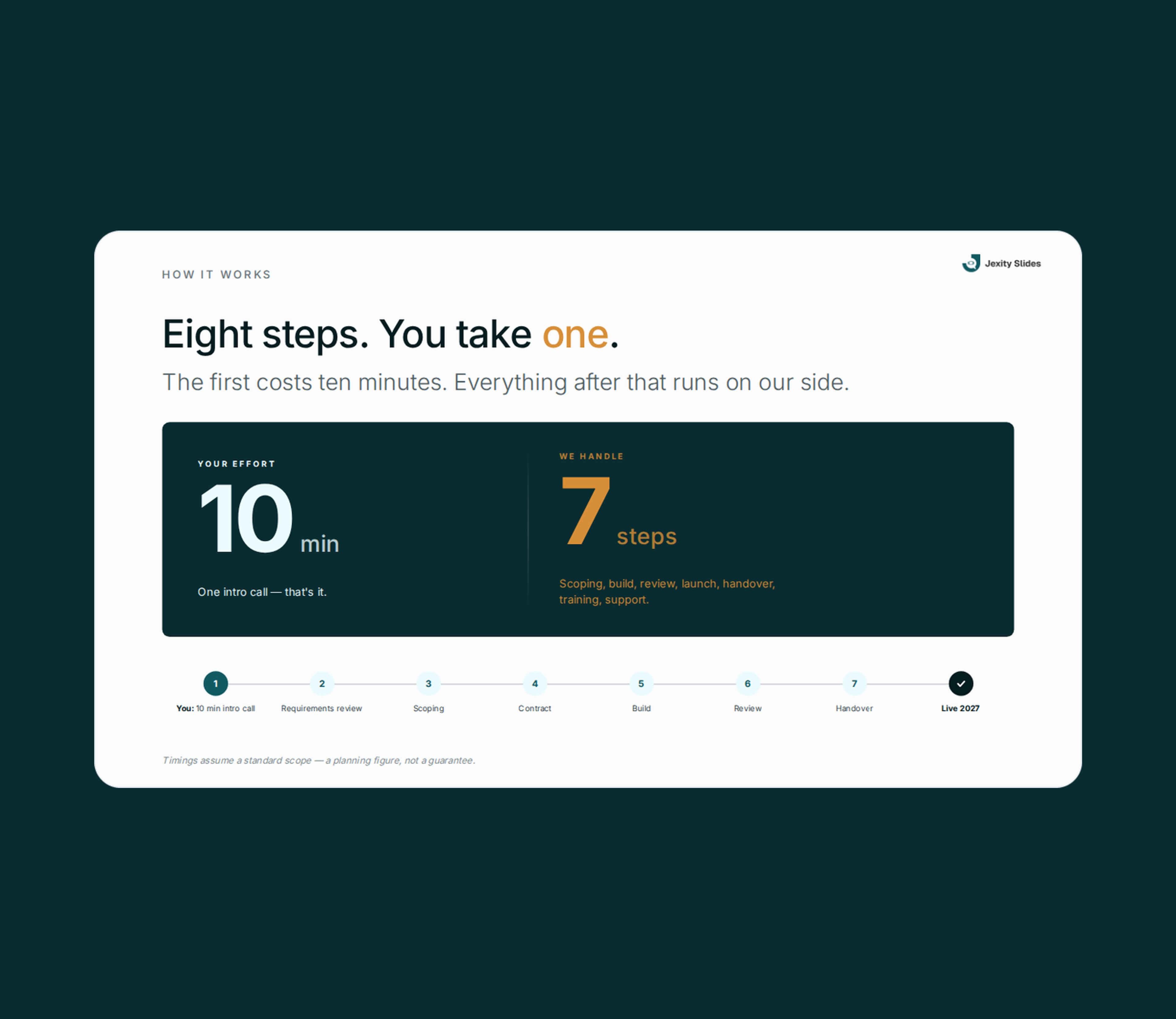
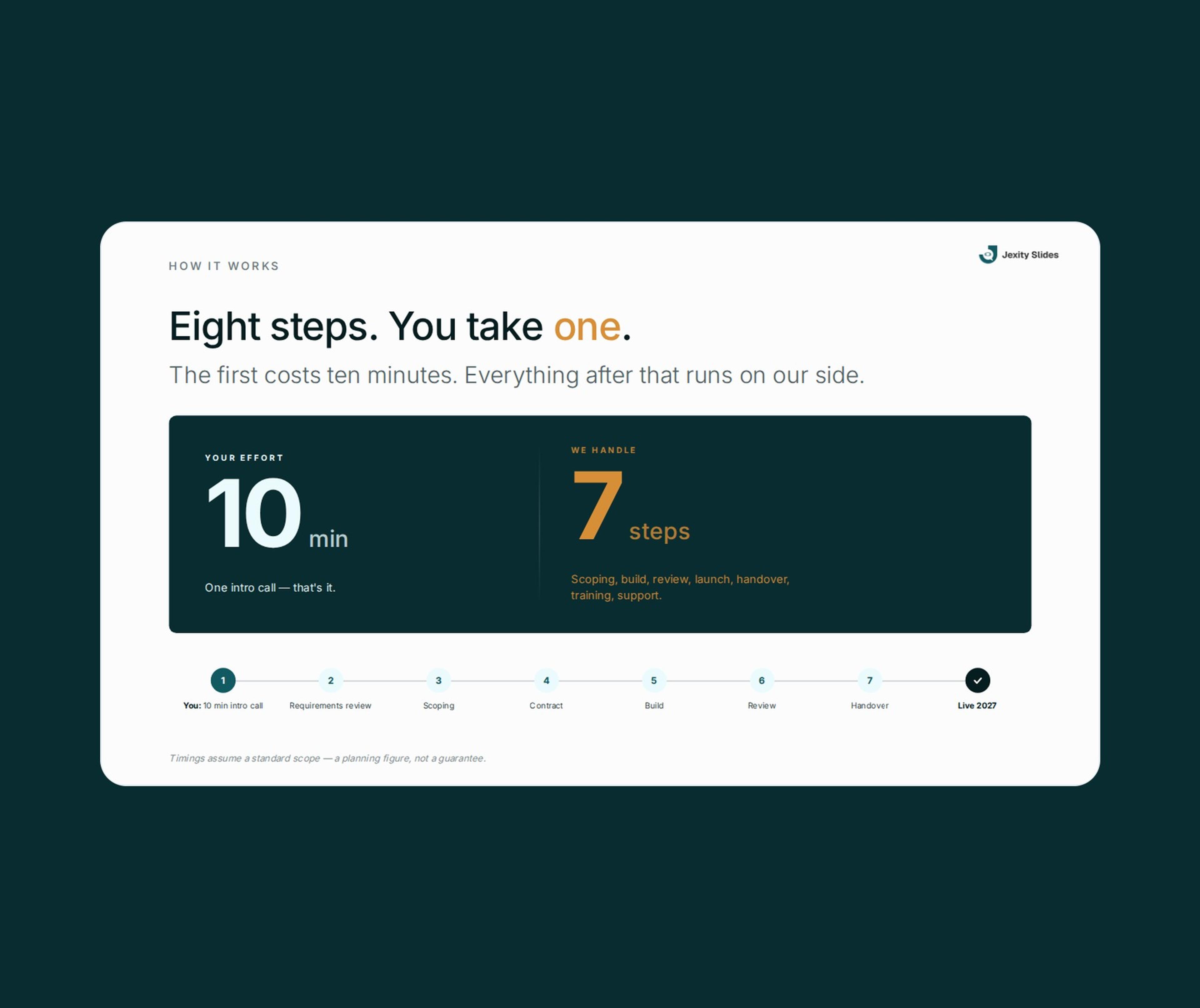
Example slide from Jexity Slides showing how a project runs in eight steps
Created in a chat
A topic, a text or a PDF is enough, and the AI builds the slides from it.
Your design
Your organisation's colours, fonts and logo on your slides.
Shared by link
Recipients open the presentation without signing in.
Your corporate design as a fixed standard
Jexity Slides makes sure every presentation looks like your company.
Set your design once
You store your corporate design a single time for your company. From then on every new presentation takes on this design by itself, and you spend hardly any time on design.
A fixed standard for everyone
No matter who in the team creates a presentation, the design is fixed. All slides appear in the same style, and your company always presents itself professionally with a consistent corporate identity.
Individual design
The standard is your own corporate design, not an interchangeable template. Your presentations look consistent and still stay as distinctive as your company.
Presentations with AI
The chat creates the content of your presentation, and the AI builds the slides from it. You then adjust the draft precisely until every slide is right.
From chat to finished presentation
- Describe
You start with a topic, your own text or a PDF, by voice if you like. From that the AI builds the first draft. - AI agents at work
A lead agent delegates the work to specialist agents for content and review. A research agent searches the web when needed and shows you its sources. - Live preview
Every change appears in the preview right away. You correct texts there directly, without opening the chat. - Refine precisely
Use @ in the chat to address individual slides or images, so you only change what does not fit yet.
One design for all slides
- Colours and fonts
You set colour tone, primary colour, secondary colour, font pairings and corner radius once. They apply to all presentations of your organisation. - Logo for light and dark slides
Your logo works on light and dark slides. You add it once, and every presentation uses it. - Set by admins
Owners and admins set the design, and everyone else works with it. - Preview for light and dark
You see every design change right away on light and dark slides. That way you check colours and logo before your team works with them.
Slides in your company design
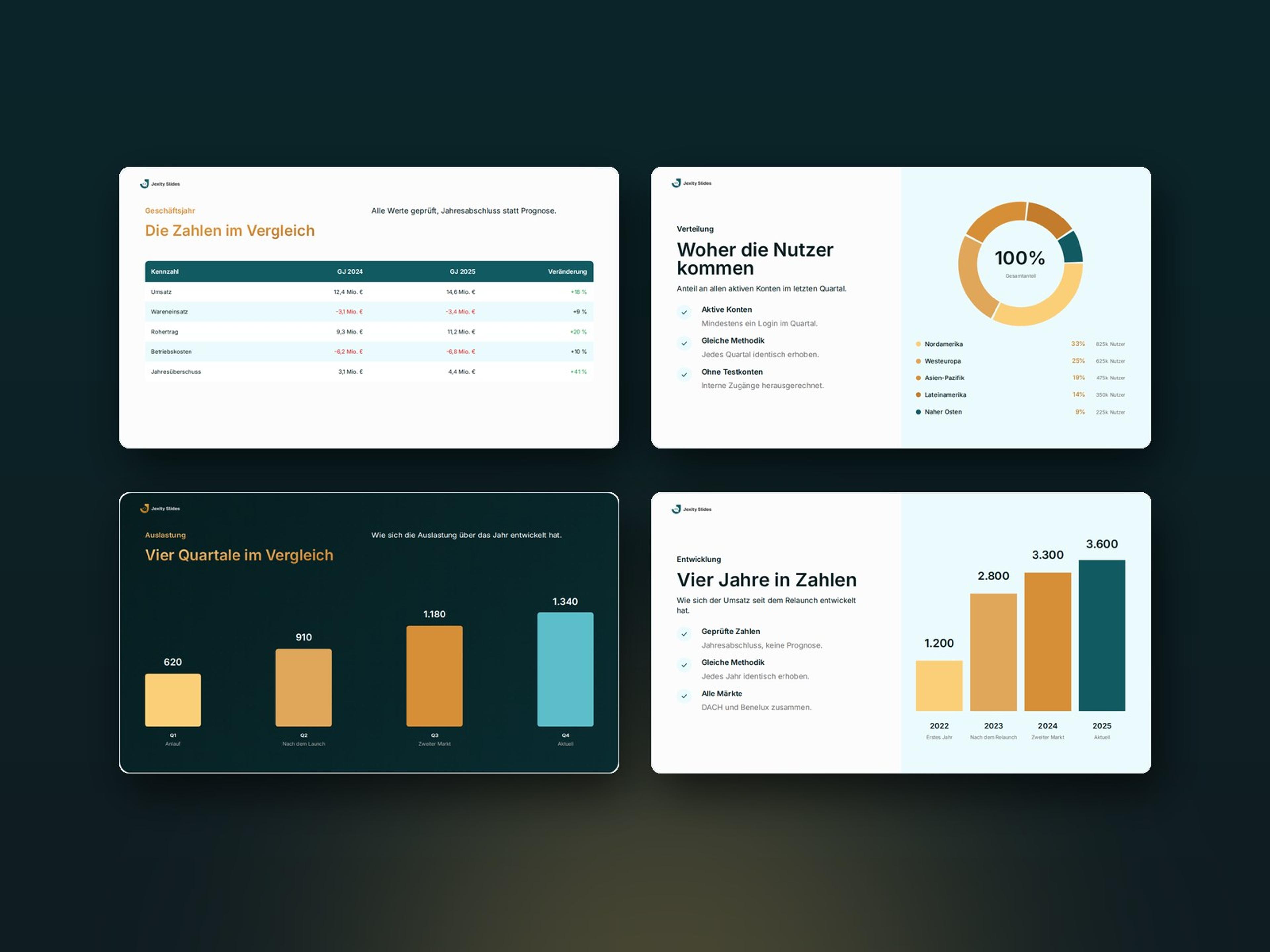
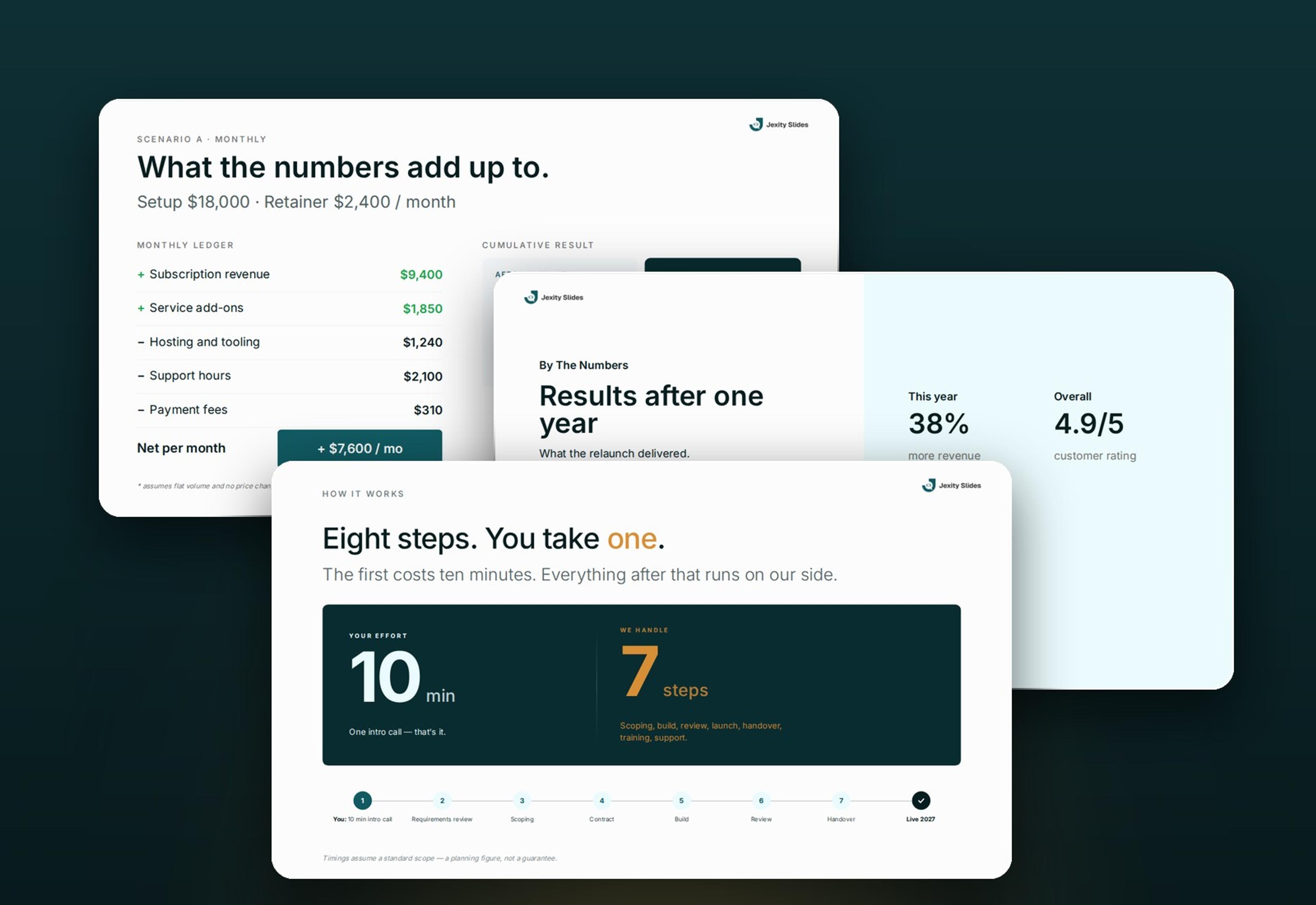
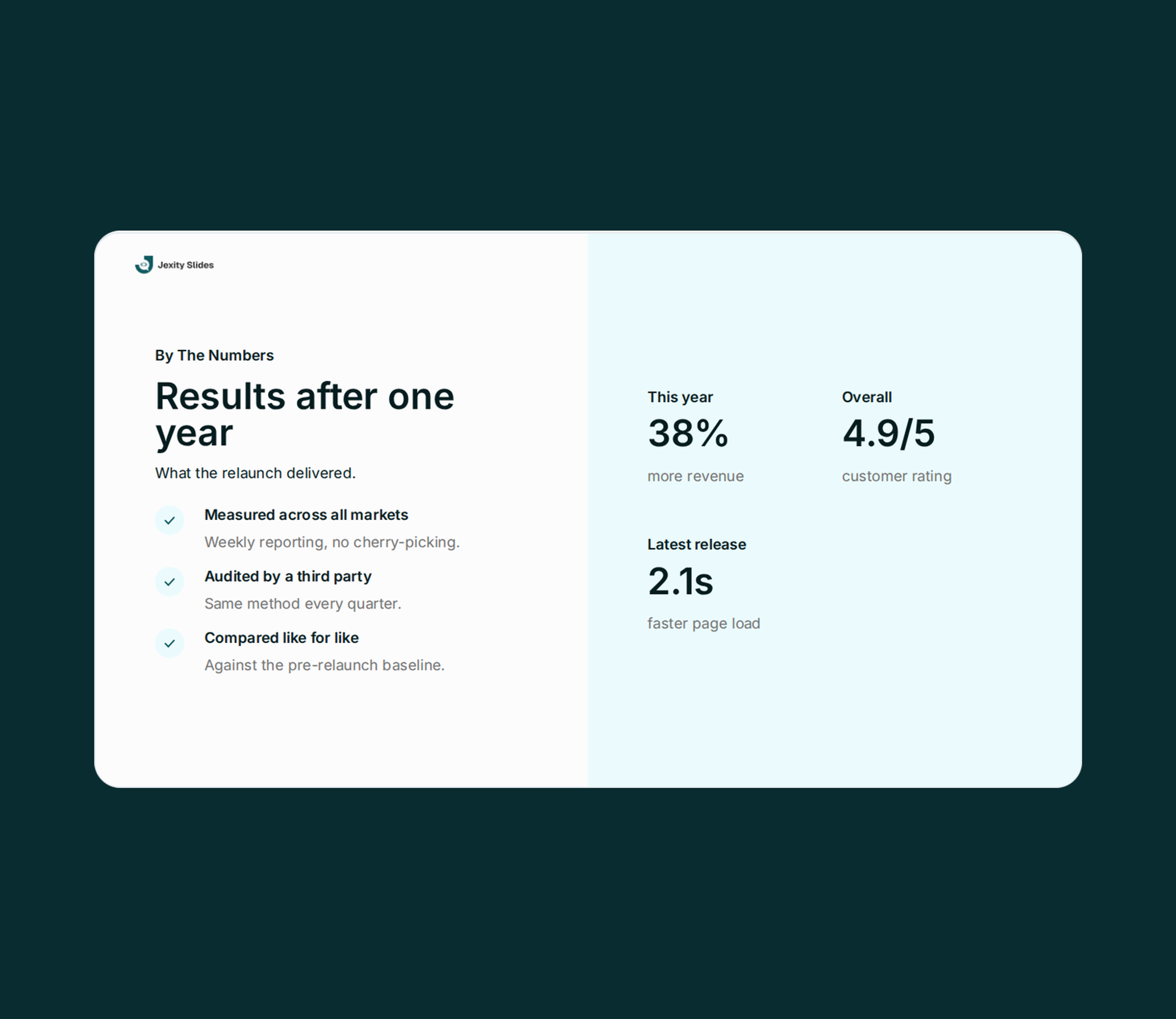
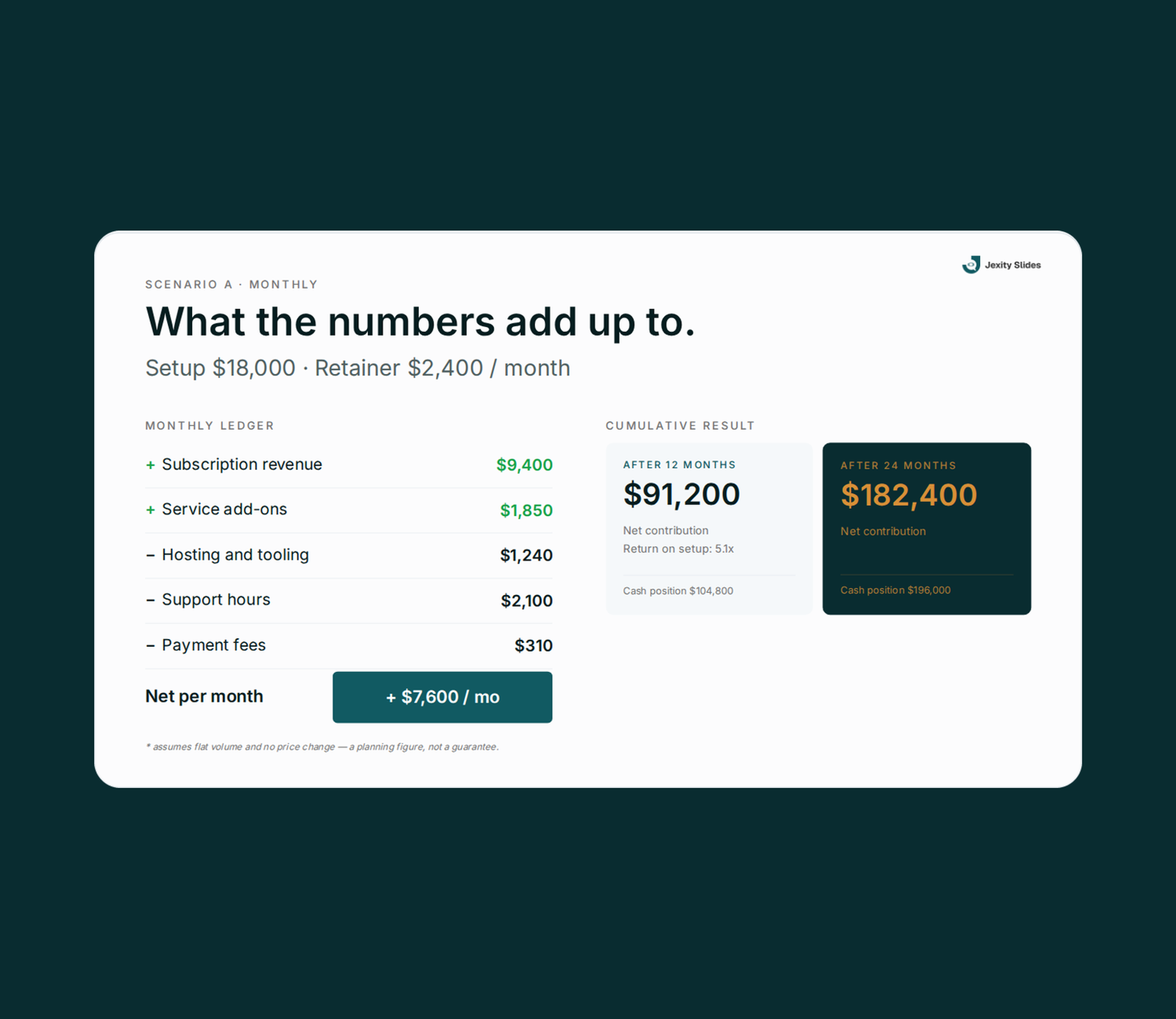
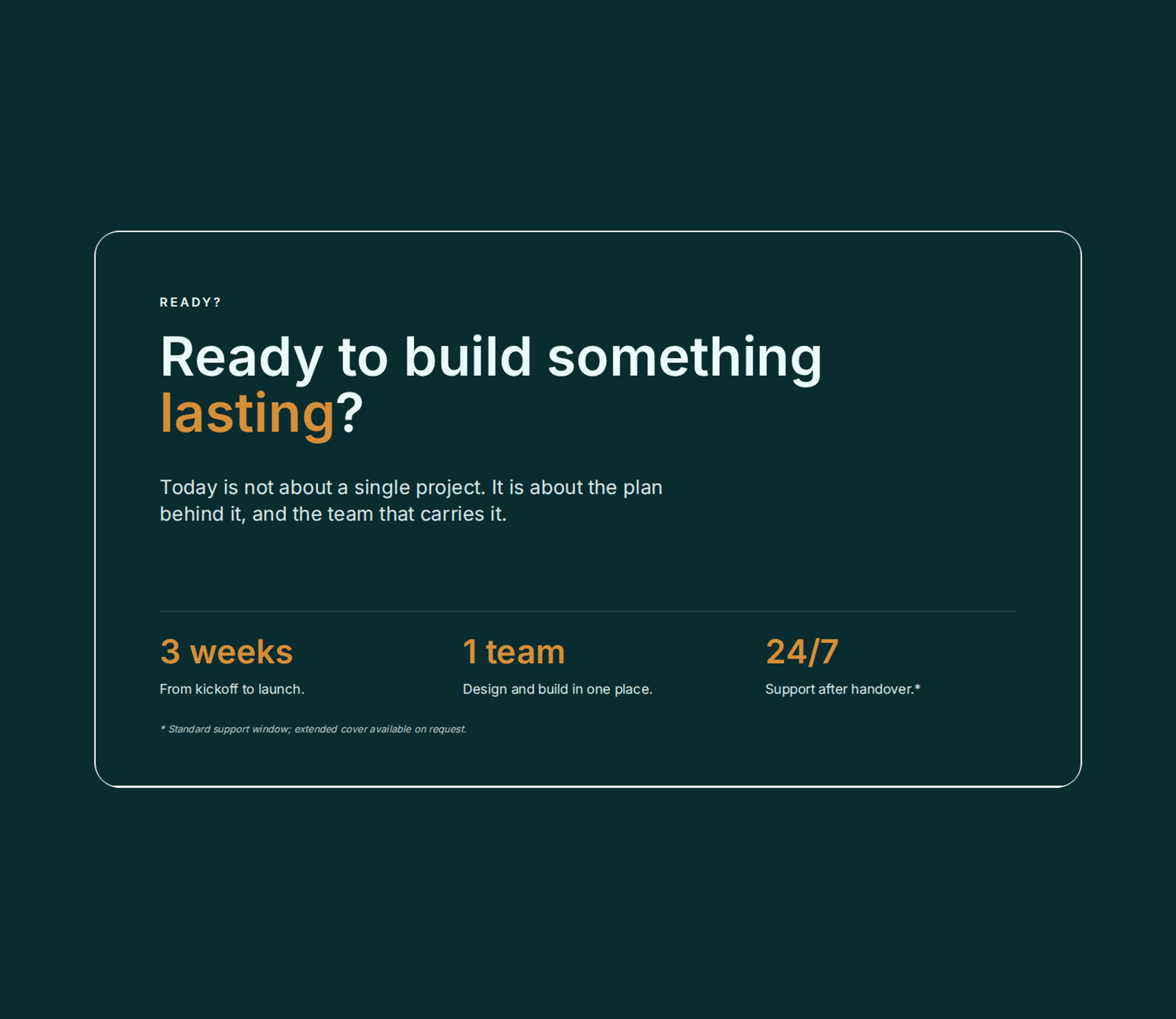
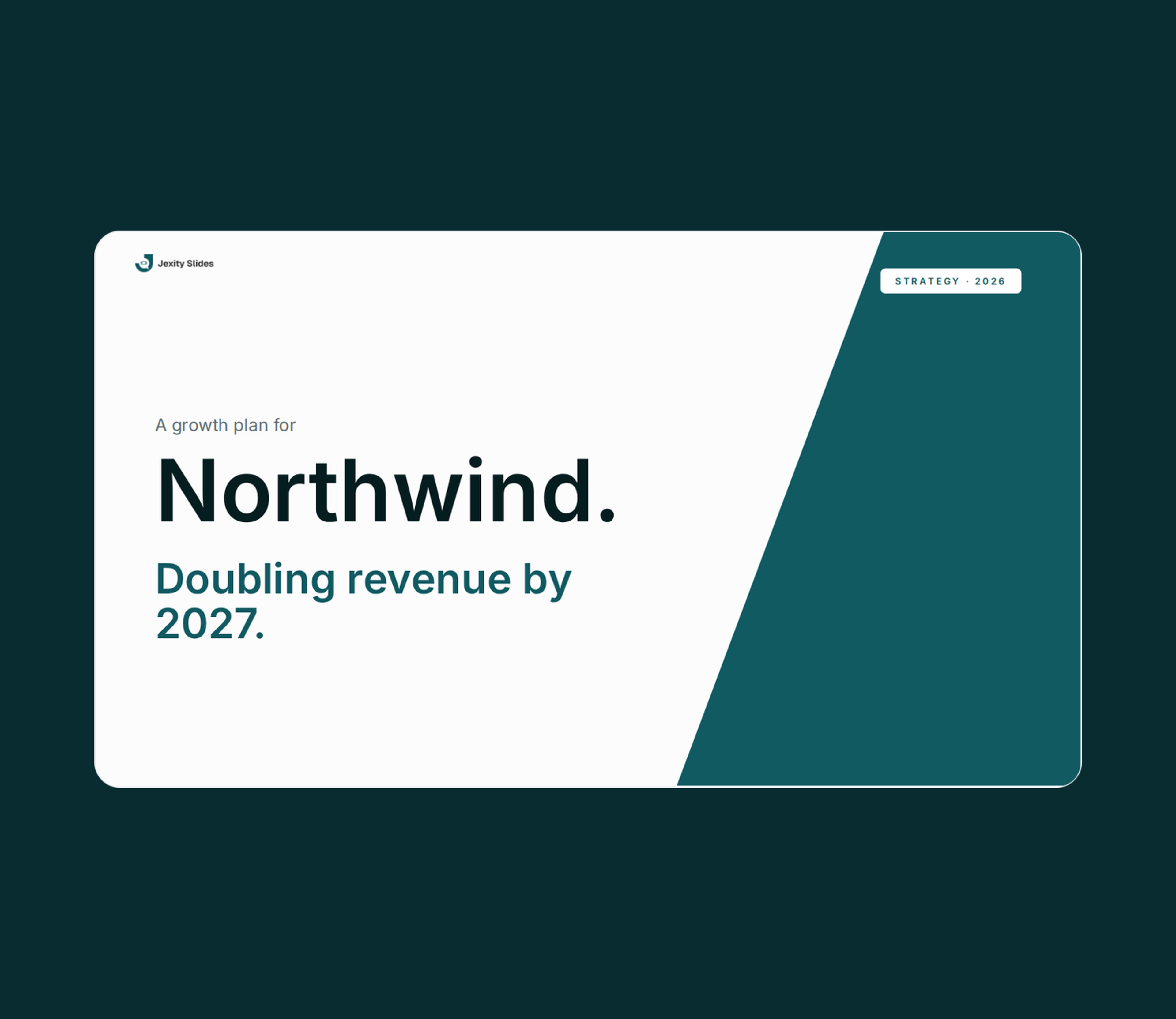
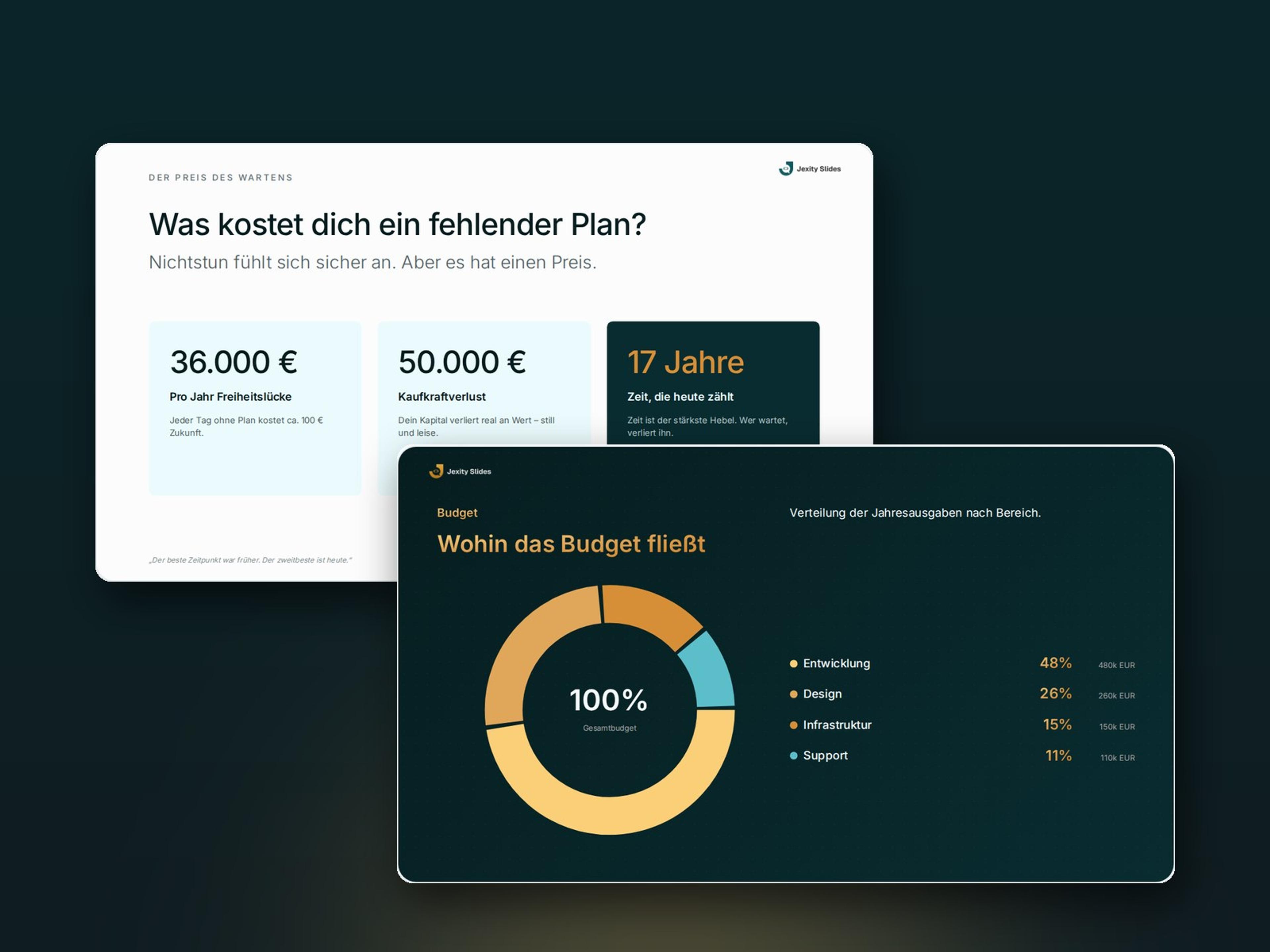
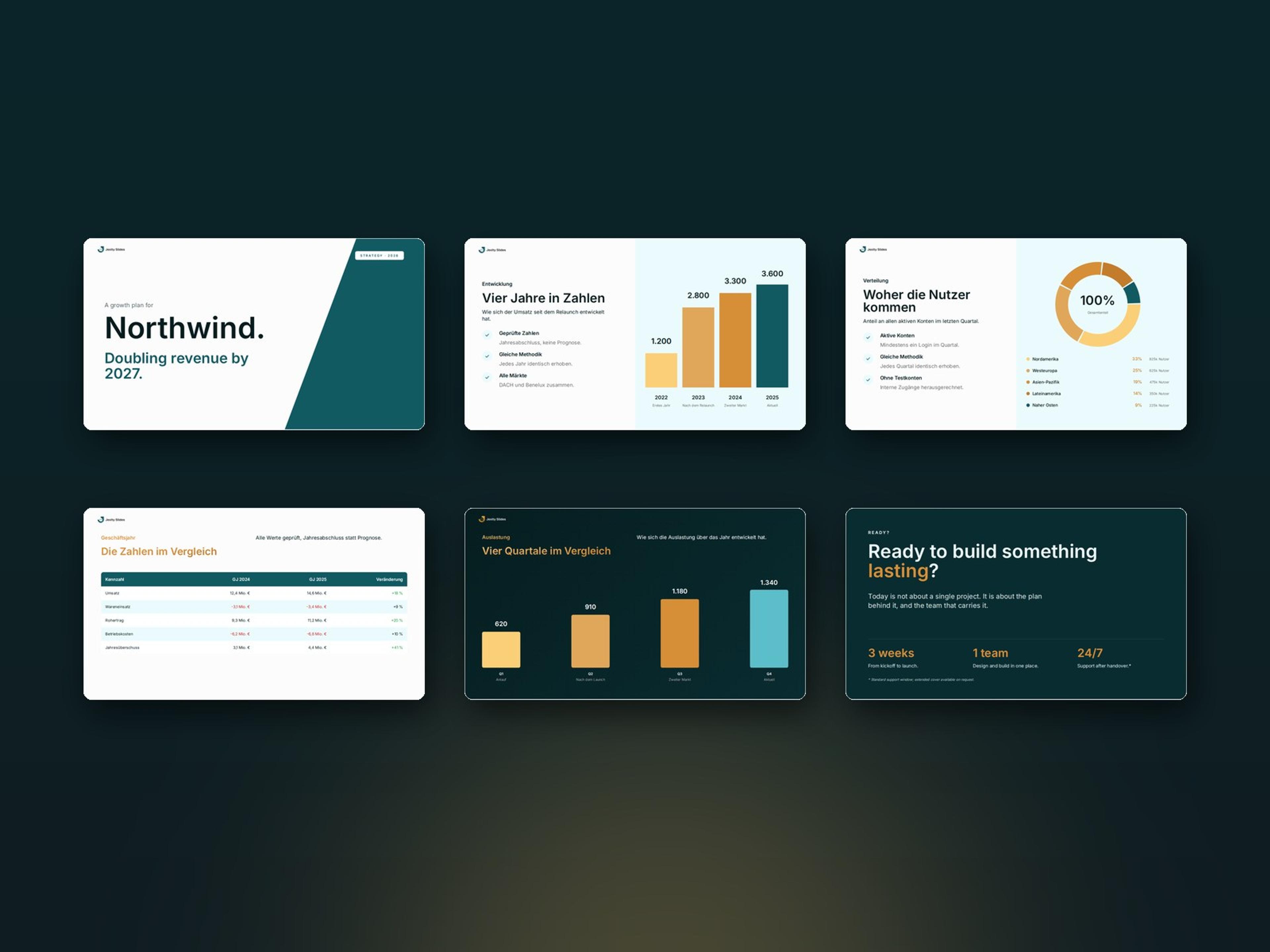
Every slide is based on a fixed layout, from key figures, charts and tables to timelines. Here are a few examples.
Everyday work with Jexity Slides
These are the jobs Jexity Slides is made for. In the dashboard you manage the presentations, teams and media of your organisation in one place.
What you can use Jexity Slides for
- Preparing meetings
The presentation for your next client meeting or team meeting is ready quickly, in your company design. - Showing figures clearly
Whether revenue, utilisation or budget, your figures appear as clear charts and tables instead of walls of text. - Working as a team
You decide whether a presentation is private or visible to a team or the organisation. The version history shows every change with its author. - Sharing results
Anyone with the link opens a published presentation, without signing in. You can also share a link to a single slide.
Everything in one place
- Overview
You see your latest presentations and your teams at a glance. All decks are listed with their visibility and status. - Manage presentations
From the list you publish a presentation, rename it or copy the link for your recipients. - Media and teams
Images are kept centrally in the media pool for the organisation or a team. You invite colleagues by email and give them roles. - Usage and logs
You see usage per presentation for 7, 30 or 90 days. The logs show which admin changed what and when.
Common problems with presentations
Where presentations get stuck in everyday work and how Jexity Slides helps.
Building slides takes hours
Building layout, texts and charts slide by slide takes time away from the content. In Jexity Slides you describe the topic in the chat, and the AI builds the presentation.
Every deck looks different
When everyone uses their own templates, nothing fits together in the end. In Jexity Slides one shared design applies to all presentations of your organisation.
Text does not fit the shape
Texts that are too long break charts and tables. Jexity Slides works with 29 fixed layouts and fixed text lengths, so the text always fits.
Drafts reach the client
A half-finished version is easily sent by mistake. In Jexity Slides recipients only see changes once you click Publish, and the AI cannot publish on its own either. You can withdraw a publication at any time.
What sets Jexity Slides apart
Keep working without AI
Moving slides, adjusting charts or swapping images can always be done by hand as well.
Change the layout with a click
If you do not like how a slide is laid out, pick another layout. If any text gets dropped, the app tells you.
Present in full screen
You present right in the browser in full screen and jump to any slide from the overview.
Your own images
Upload your own images or simply drag them onto the slide with the mouse.
Duplicate a presentation
With one click you copy a finished presentation as the basis for the next.
German and English
Jexity Slides and all emails are available in German and English.
Built by Evelan
Jexity Slides is a product of Evelan GmbH from Hamburg, developed in-house.
- Winner of the German Web Awards 2025
- 5.0 stars in Google reviews


Questions about Jexity Slides
With a topic, your own text or a PDF. You describe in the chat what the presentation is about, and the AI proposes the slides.