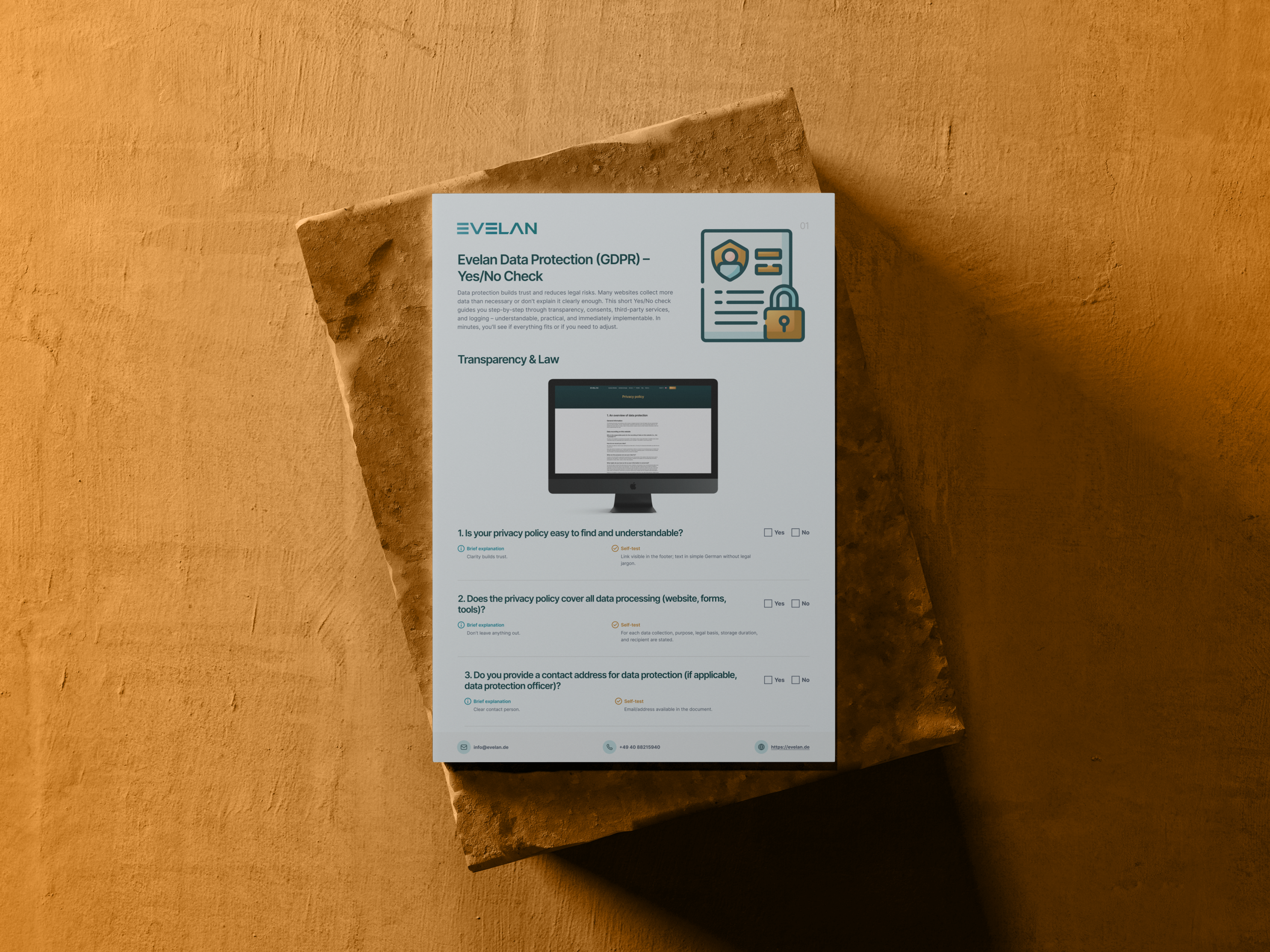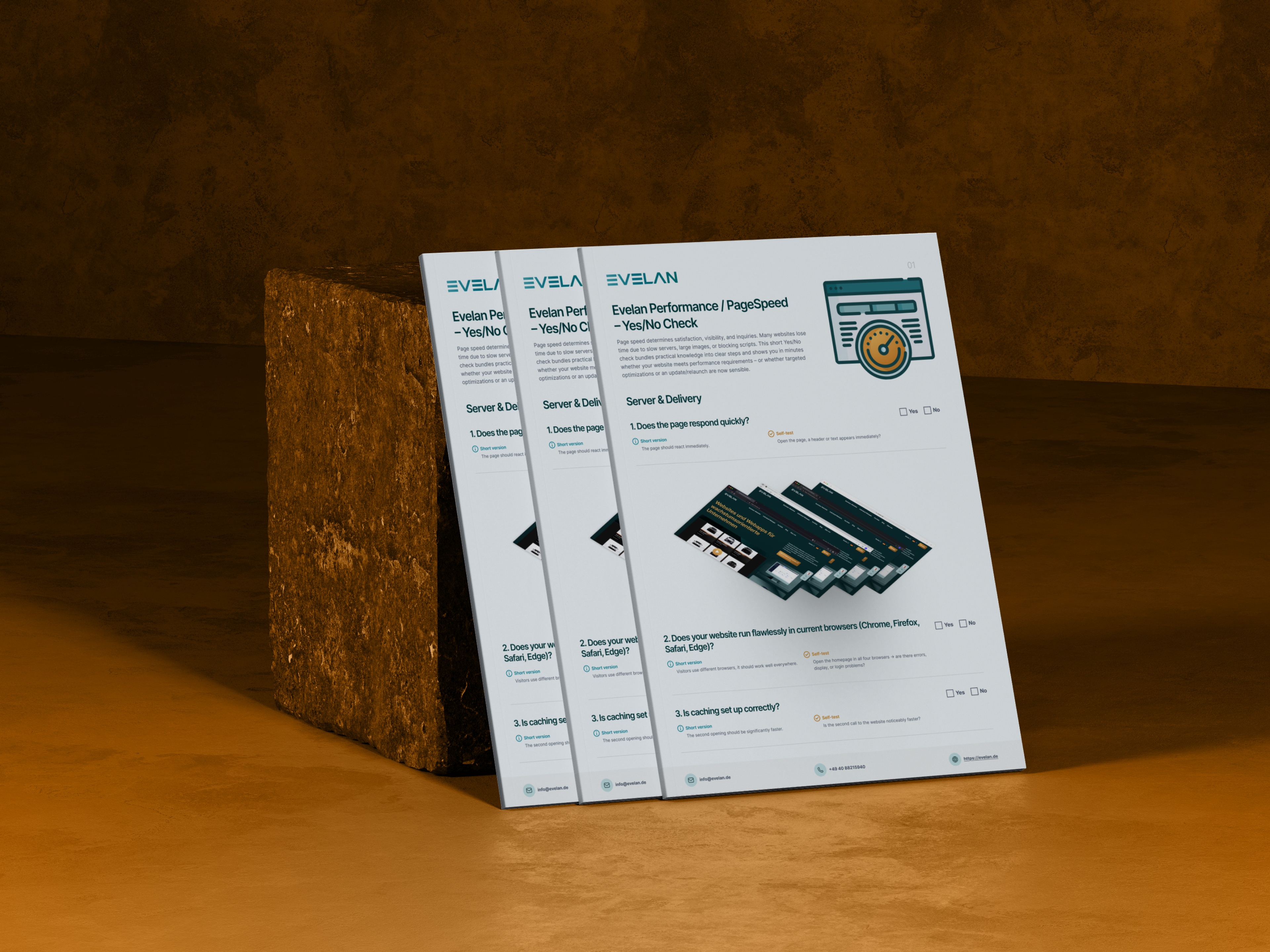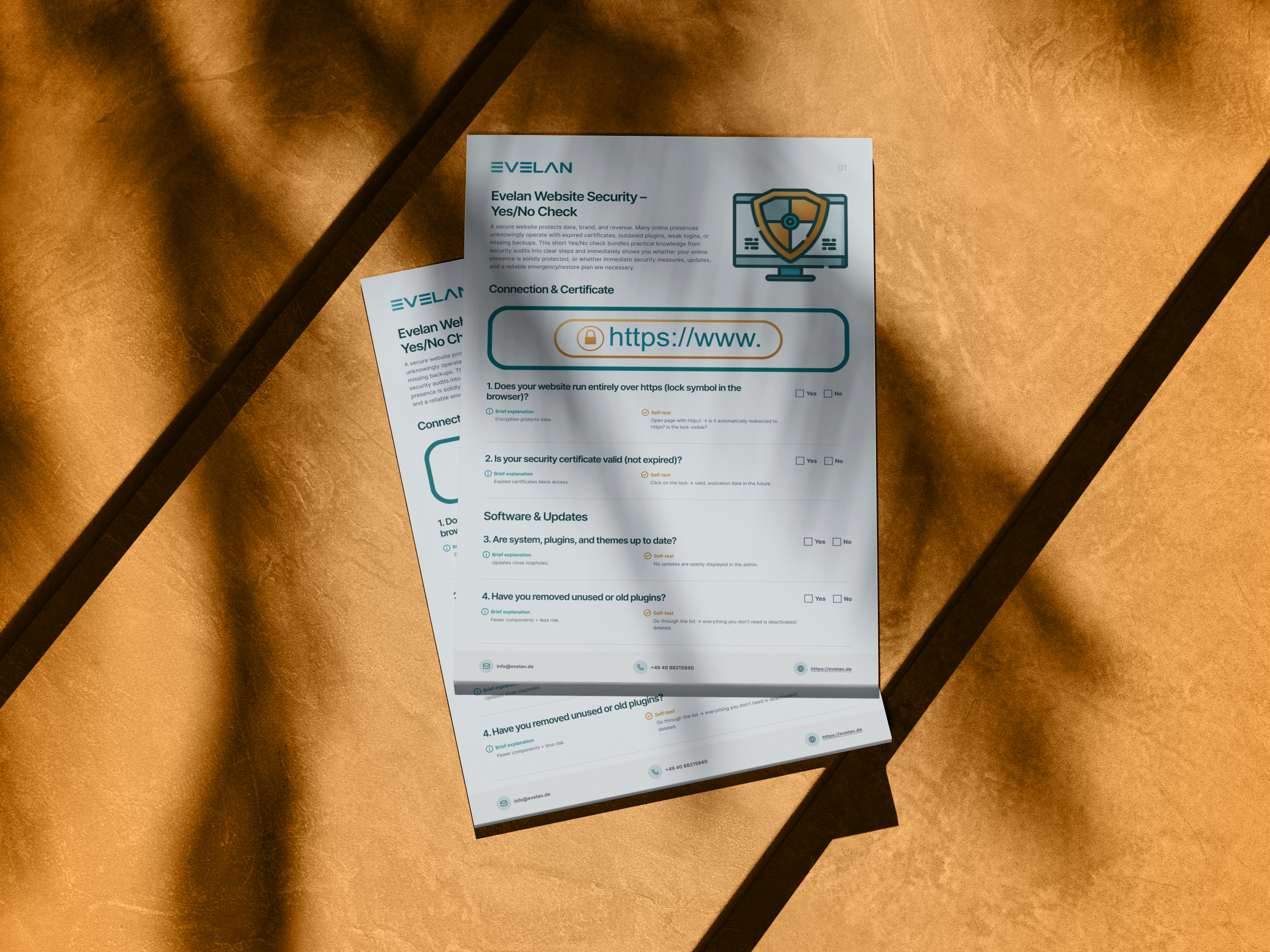
Website Security Checklist
A hacked or downed website costs not only revenue but also hard-earned trust. Many sites run unnoticed with expired certificates, outdated plugins, weak logins or missing backups. Our free Website Security Checklist shows you with 17 yes/no questions whether your site is solidly protected, from HTTPS encryption through access control and attack prevention to backups and an emergency plan. As an eRecht24 agency partner for legally compliant websites, Evelan builds websites that are secure and maintainable from the ground up. Download the checklist and close security gaps step by step.

What does the Website Security Checklist cover?
17 checkpoints across 6 categories, a yes/no check for instant clarity on how well your website is protected.
Connection & Certificates
The entire website runs on HTTPS with automatic redirection, and the security certificate is valid and renewed on time.
Software & Updates
System, plugins and themes are current, unused components removed, and updates follow a fixed schedule with a backup beforehand.
Logins & Access
Strong passwords and two-factor authentication, access restricted to those who truly need it, and a lockout after too many failed attempts.
Forms & Data
Validated form inputs, encrypted transmission of sensitive data, and effective spam protection that stops bots rather than people.
Attack Prevention
A monitoring layer that blocks known attacks early, plus logged suspicious access that is reviewed regularly.
Backups & Emergency
Regular automatic backups at a second location, a tested recovery process, and a clear emergency plan for worst-case scenarios.
A secure website in 3 steps
Download the checklist
Download the free PDF and get an overview of all 17 checkpoints across 6 categories.
Review your website
Work through the points and note where encryption, access controls or backups still have gaps.
Close the gaps
Implement the most important safeguards yourself or let the experts at Evelan handle the technical execution.
How your secure website is created with Evelan
Security is not an add-on you bolt on later; it belongs in the code from the very first line. That is exactly how we work. From the first conversation through hardening to ongoing website maintenance, we factor in encryption, access, updates and backups from day one, entirely in-house in Germany. The result is a website that reliably protects data, brand and revenue, and can be restored quickly in an emergency.
1. Initial consultation
Free and without obligation, we review the security status of your website, from certificates through updates to access and backups. This reveals where the most urgent gaps are and what should be secured first.
2. Security concept
We plan the right protective measures, from two-factor login and access management through attack prevention to a reliable backup and emergency strategy with clear responsibilities.
3. Technical implementation
We set up encryption, updates, protection layers and automatic backups cleanly and test the recovery process. Everything is created 100 % in-house in Germany.
4. Maintenance & monitoring
After launch we keep the system and plugins current, monitor suspicious access and run regular backups. This keeps your website permanently protected and quickly restorable in an emergency.
Why website security determines trust and survival
A secure website protects three things at once: your visitors’ data, your brand’s reputation and your revenue. Security usually only becomes noticeable when it fails, whether through a browser warning, a hijacked homepage or days of downtime. The damage ranges from lost trust and lost revenue to legal consequences when personal data are involved. Most incidents arise not from sophisticated attacks but from avoidable negligence such as expired certificates, outdated software or missing backups. Good cyber security for your website therefore means consistently closing the known entry points. A structured checklist reveals where your site is vulnerable before someone else does. Those who take security seriously protect not just technology but the relationship with every single visitor.
Encryption and up-to-date software as the foundation
Every secure website starts with HTTPS encryption. The entire site should run over https, http requests should redirect automatically, and the certificate must always be valid and renewed on time, because an expired certificate effectively locks visitors out. Equally important is current software. System, plugins and themes must be up to date because updates close known vulnerabilities. Unused or outdated extensions should be removed, since every additional component enlarges the attack surface. A fixed update schedule where a backup is created before major updates makes operations predictable and prevents nasty surprises. These fundamentals require little effort yet prevent the majority of typical incidents. Automatic update notifications additionally help ensure no important patch is missed.
Secure access closes the most common entry point
Most successful attacks target not complex vulnerabilities but weak access. Admin accounts should therefore use strong, unique passwords and ideally be protected by two-factor authentication, because the second step stops a large share of automated attacks. Only those who truly need access should have it, which means old or inactive accounts must be consistently deleted and permissions regularly reviewed. Additionally, an account should be temporarily locked after several incorrect passwords to prevent automated credential stuffing. Following these few rules closes by far the most common entry point and makes life significantly harder for attackers. A password manager makes it easy for the team to use a strong, unique password for every account.
Forms, attack prevention and monitoring
Forms are a popular target because data enter your system through them. Inputs should therefore be validated before they are stored or sent, and sensitive information must be transmitted exclusively in encrypted form and never stored in plain text. Effective spam protection, such as an invisible CAPTCHA, keeps bots away without annoying real visitors. Beyond that, a simple protection layer, for example a security plugin or service that blocks known attacks early, is worthwhile. Suspicious access like many failed attempts or requests from unusual regions should additionally be logged and reviewed regularly. This lets you spot suspicious behaviour early rather than discovering it only after damage has occurred. It is important that this protection layer delivers regular reports that someone actually reviews.
Backups and an emergency plan as your safety net
Even the best safeguards offer no one-hundred-percent guarantee, which is why backups are the most important fallback. Sensible practice means regular automatic backups of files and database whose latest version is no older than one to two weeks. At least one copy should be stored at a second location, for example in the cloud, so it is not lost together with the server. What matters most is having tested the recovery process at least once, because only a verified backup truly helps in an emergency. A brief emergency plan that records who does what, whom to call and in which order ensures that speed and clarity prevail rather than panic. Regular website maintenance keeps all these precautions permanently functional. This way a threatening total outage becomes, at worst, only a short, manageable interruption.
Free Website Security Checklist
Download the free checklist and review your website against 17 checkpoints across 6 categories. Or book a free initial consultation on the technical hardening with our experts.
Frequently asked questions about the Website Security Checklist
Quick answers on usage, services, process and next steps.
The checklist examines 17 points across 6 categories: Connection & Certificates, Software & Updates, Logins & Access, Forms & Data, Attack Prevention, and Backups & Emergency. Each point is a simple yes/no check with a concrete self-test you can perform directly on your website.
More checklists for your website
Each checklist covers a different area; together they form a complete website optimisation roadmap.