
Key Takeaways
- Maintenance is security work: Patchstack reported around 8,000 new WordPress vulnerabilities in 2024, 96% of them in plugins. Delaying updates leaves an open door for attackers.
- Maintenance protects rankings: Google counts Core Web Vitals among its page-experience ranking signals. Outdated scripts and images cost you visibility.
- Maintenance drives revenue: Just 0.1 seconds faster mobile load time lifted retail conversion rates by 8.4%. Performance upkeep pays back predictably.
- Maintenance is agency routine: A good agency delivers SLAs, backups, and monitoring instead of ad-hoc fixes. Your time goes into the core business, not the plugin list.
A website is not a product you buy once and shelve. It is a live system that needs updates, content, and security patches, or it measurably loses visibility, speed, and trust. In 2024 alone, the WordPress ecosystem saw around 7,966 new vulnerabilities reported, with 96% sitting in plugins. This article shows what website maintenance actually covers, how often it is needed, which web design services belong to it, and how to pick the right agency for the job.
When people hear the term "website maintenance," they think of text and images first. In reality, content work is just the visible tip of a whole routine made up of security patches, performance tuning, privacy adjustments, and CMS updates. Bundling that routine prevents the biggest risk in any digital presence: the slow erosion no one notices until an incident makes it visible.
What does website maintenance really mean?
Website maintenance describes the ongoing technical, editorial, and security-related care of a live site. It covers CMS and plugin updates, backups, performance checks, content refreshes, and legal adjustments, such as cookie banners or privacy notices. Without this routine, a website ages faster than most owners realise.
Many companies confuse maintenance with the occasional text swap. In practice, log monitoring, Lighthouse audits, schema repairs, and SSL renewals belong to the job too. When I analyse an existing website, I almost always find three recurring gaps: no automated backups, expired plugins, no Core Web Vitals monitoring.
On top of that come tasks that stay invisible as long as nothing breaks. These include image refreshes of the hosting stack, updates to Node or PHP versions, DNS record care, and renewing API tokens for third parties like newsletter tools, CRMs, or payment providers. Only when these routines are missing does the damage surface, usually with a long delay and a correspondingly expensive fix.
That has consequences. For most B2B mid-market companies, their own website is the first solid impression a prospect gets, well before any conversation. If that channel becomes unreliable, you lose trust in exactly the place you wanted to build it. A neglected site also signals that the company has no grip on its digital processes more broadly, a signal that B2B sales rarely forgives.

How often should a website be maintained?
Security updates need to be installed immediately, everything else follows a fixed rhythm of weekly, monthly, and quarterly tasks. With roughly 7,966 new WordPress vulnerabilities in 2024, that works out to around 22 new risks per day. It explains why monthly maintenance windows are simply too slow.
Weekly: security and monitoring
Plugin and core updates should be applied weekly, backups verified, uptime reports reviewed. With WordPress currently powering around 41.9% of all websites according to W3Techs, the update frequency of the plugin economy dictates this cadence.
Monthly: performance and content
Monthly tasks include performance tests, broken-link checks, SEO snapshots, and smaller content refreshes. This is often where you spot oversized image uploads or a tracking script that delays First Contentful Paint. Internal linking belongs in this rhythm too: new posts need links from older ones, otherwise they stay islands inside the sitemap and never rank reliably.
Quarterly: strategy and audit
Quarterly, a strategy session belongs in the mix. Which pages convert, which do not? Which topics are losing rankings? Where does it pay to expand content? In my projects with B2B mid-market clients, this cadence makes the difference between "the website is running" and "the website is growing." A deeper technical audit also fits here, covering crawl diagnostics, index coverage, structured-data checks, and Lighthouse image scores across the most important templates.
Annually: architecture and stack
Once a year, an architecture review pays off. Does the stack still match the business model? Are new CMS versions worth a move? Are any components overdue for replacement? This perspective prevents the expensive large-scale migrations that always show up when maintenance has been postponed too long. The data model should be checked at the same time, since new content formats, languages, or integrations can otherwise only be retrofitted with workarounds.
What risks come with neglected maintenance?
Neglected maintenance leads to three measurable damages: security incidents, SEO loss, and conversion drops. In its 2024 situation report, the German BSI registered around 309,000 new malware variants per day, and outdated websites are one of the most common entry points.
The financial scale is significant. According to the IBM Report 2024, the global average cost of a data breach reached USD 4.88 million, about 10% above the prior year. Even for a small or mid-sized firm, six-figure follow-up costs are realistic when customer data is compromised.
From over sixty Evelan projects, I know a fourth effect that gets discussed less often: the trust loss caused by visible sloppiness. Expired SSL warnings, broken images, or a 404 in the footer hit harder than any bad review. Just 50 milliseconds are enough for users to form a visual quality judgement, as Lindgaard et al. demonstrated back in 2006. That first impression is either kept alive by maintenance or destroyed by its absence.
Hidden cost chain
Behind every security incident sits a chain reaction: forensic analysis, legal counsel, communication with affected customers, notification to the supervisory authority, technical clean-up, and often a lost deal that happened to be in the pipeline. Even when no data leaks, a week of sales downtime costs measurable pipeline.
Quiet SEO decay
Unlike security incidents, SEO loss rarely makes noise. Rankings slip over weeks, clicks fade, and at some point management asks why inquiries are dropping. The cause is usually months old: delayed indexing of new pages, slower load times after a theme update, broken structured data after a CMS patch. Maintenance prevents these quiet losses because it surfaces them early.
What makes a CMS easy to maintain?
A maintenance-friendly CMS cuts the upkeep load drastically by separating security, content, and structural work. Headless systems like Sanity, Storyblok, or Strapi have structural advantages over classic WordPress stacks: no plugin sprawl, automated patches in a hosted backend, and clean schemas for editors.
Stable architecture instead of fragile plugins
Headless CMSs deliver content to the frontend over a stable API. That removes the plugin dependency that, according to Patchstack, causes 96% of WordPress vulnerabilities. Backend updates of the CMS usually run managed at the provider, not on your plate. On top of that, a modular design system built from blocks instead of themes means you swap components without breaking templates, and you save five-figure sums on each relaunch because content and design can evolve separately.
Editing without drama
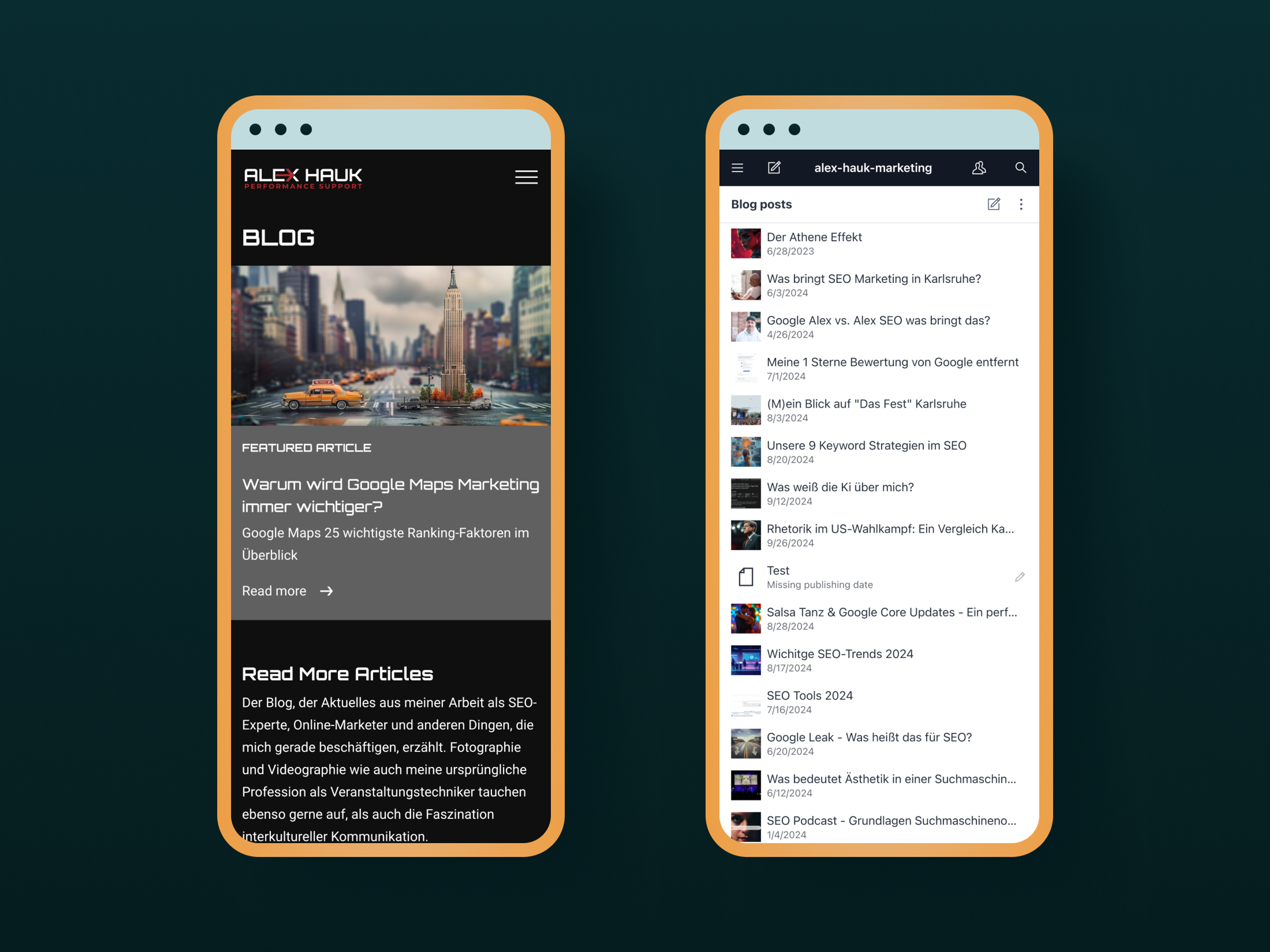
An intuitive interface decides whether maintenance actually happens. Fields, validation, roles, and previews must be clear enough that editing works without an IT ticket. That is where WordPress installations with ten active page builders fall apart in practice. A maintenance-friendly CMS also draws clean lines between editing, proofing, approval, and publishing. Each role sees only what it needs and cannot accidentally break things. In practice, that prevents exactly the incidents that get retold later as maintenance drama: deleted pages, overwritten templates, language mismatches in multilingual setups.
How do you pick the right website maintenance agency?
You recognise the right agency by five criteria: defined SLAs, its own monitoring, documented processes, transparent pricing, and verifiable references. According to the Bitkom economic security study 2024, 81% of German companies were hit by attacks in the previous twelve months. An agency without a security routine is therefore a risk factor, not a safeguard.
SLAs, monitoring, and reporting
Ask about response times for critical security flaws and recovery times for outages. Four-hour response on critical CVEs is the standard, 24 hours is too late. A serious agency runs uptime, performance, and security monitoring itself and delivers monthly reports where you see trends, not just incidents. Because Google lists Core Web Vitals as a page-experience ranking signal, performance optimisation without continuous measurement stays a matter of luck.
Pricing, industry, and handover
Flat monthly prices with a clearly scoped deliverable beat open-ended hourly retainers. They make maintenance budgetable and comparable. Ask to see concrete web-app references and a sample report. An agency that knows your industry understands peak loads, seasonal content, and regulatory duties faster. Reachability in your language and time zone sounds obvious, but in the EU market it is not always a given. Clarify escalation paths before signing, and just as important, get in writing what is handed over at contract end: documented stack, repository access, described deploy pipelines, readable data models. Maintenance contracts without an exit clause get expensive when you switch.
From Evelan's Practice
A north German B2B mid-market company came to us with a custom-built website that had been padded out with more and more plugins over the years. The result: an update backlog, two security incidents in one year, and editing only possible through tickets to the old agency.
We migrated the stack to a modular design system on Sanity, set up automated security patches, and built an in-house editing system that lets the client maintain product pages, news, and career content themselves. Not a classic relaunch, but a maintenance architecture. Since then, internal ticket waits are gone and the security backlogs are empty.
Which maintenance tasks does a good agency cover?
A good agency bundles five task areas: security, performance, content, SEO, and legal upkeep. That replaces the typical setup of host, freelancer, and in-house marketing, where no one is ultimately responsible. Just 0.1 seconds shaved off mobile load time lifted retail conversion by 8.4% and travel by 10.1%. Effects like these do not fall into a single discipline's lap.
Security and updates
Patch management, vulnerability scans, WAF rules, SSL renewal. Plus penetration tests at longer intervals for regulated industries. We have collected concrete tips on reducing risk in this article on security gaps on company websites.
Performance and availability
Image and asset optimisation, cache configuration, CDN upkeep, Core Web Vitals tuning, uptime monitoring with alerts. Because Google counts page-experience signals like Core Web Vitals toward rankings, a sluggish site measurably loses visibility and conversion. Performance maintenance is direct lead protection.
Content and SEO
Content updates, internal linking, metadata, structured data, sitemap hygiene. According to HubSpot data, companies with 16+ blog posts per month generate almost 3.5x more organic traffic than those publishing zero to four posts. Here, maintenance is a growth lever, not a cost centre.
Legal upkeep
Update cookie banners, adjust privacy notices for new tools, keep imprint data current, and work in accessibility guidelines. Cookie banners in particular have returned as a compliance topic in 2025 and 2026, which we cover in our article on compliant cookie banners. The German Accessibility Strengthening Act (BFSG) has also enforced new obligations for many business websites since mid-2025, duties that can only be implemented cleanly through ongoing maintenance, not a one-off change.
Brand consistency and design system
A maintained website keeps not just patches up to date, but the brand too. A good agency works from a documented design system with fixed colours, typography, components, and tone rules so that every new landing page, blog article, and form feels cut from the same cloth. That includes maintaining brand language: consistent terminology, consistent voice, and a style guide for copy that acts as a reference in every content update. This discipline matters even more with AI-assisted content production: text gets written faster than ever, but only a maintained design system keeps brand and message coherent. Without that routine, the brand picture drifts apart within a few months, and the original brand investment measurably loses impact.
Tip: The all-inclusive package
An agency that handles ongoing updates, security checks, and content maintenance alongside design and development keeps your website automatically up to date, so you can focus on your core business.
What does professional website maintenance cost?
Professional website maintenance for SME sites typically runs between 250 and 1,500 euros per month, depending on scope, stack, and SLA. Headless sites tend toward the lower end, classic WordPress multisite setups toward the upper. Buying one-off maintenance windows instead of a contract usually costs significantly more when something breaks.
Realistically, 500 to 900 euros per month is well-invested for a German-language B2B website with moderate traffic. For that, you get ongoing monitoring, patch management, content support for smaller changes, and a fixed contact person who knows your site. That is markedly cheaper than the often underestimated internal cost of coordinating, reviewing, and approving every change in-house.
Anyone who tries to cover maintenance purely with internal resources nearly always underestimates the hidden time cost: research, testing, context switching, alignment between marketing and IT. A typical mid-market marketing manager quickly burns half a workday per month on it, without that ever surfacing in a cost calculation. A maintenance retainer shifts that friction to a specialist and makes the effort plannable for the first time.
What drives the price
Price drivers are the number of plugins, languages, depth of integrations (CRM, ERP, marketing automation), regulatory duties, and response times. A bilingual site with three third-party systems needs more attention than a basic digital business card.
What should be in the package
A maintenance package should include, by default: monthly reports, guaranteed backups, plugin updates, security patches, a small content quota, and a quarterly performance audit. Anything beyond that, like a redesign or new features, runs as a project. Clean packages also name response times in tiers: critical CVE, regular bug reports, change requests. These three escalation levels should be timed and priced differently, otherwise every incident triggers a discussion. Also ask to see a typical monthly report: a one-page PDF with uptime, applied updates, fixed issues, and the next planned maintenance windows is plenty.
What "saving" actually costs
According to Bitkom, attacks on German companies cause 266.6 billion euros of damage per year, with 178.6 billion of that from cyberattacks alone. The arithmetic saving from skipped maintenance evaporates with the first incident. An average data breach costs companies USD 4.88 million globally according to IBM. In DACH the numbers run lower, but rarely below the six-figure mark.
Frequently Asked Questions
Security updates should be applied immediately, ideally within 24 hours. Performance and content checks happen weekly to monthly, strategy reviews quarterly. This frequency is needed because the WordPress ecosystem saw around 7,966 new vulnerabilities reported in 2024.
Related Evelan Articles
- Avoiding security gaps on company websites
- Trust elements that make websites credible
- Why a company website is indispensable
- Implementing cookie banners compliantly
Sources
- Bitkom: Economic Security in Germany (2024)
- BSI: Press release on the IT Security Situation Report (2024)
- Google Search Central: Page Experience (2024)
- HubSpot Blog: How Often Should You Blog Data (2024)
- IBM Newsroom: Cost of a Data Breach Report (2024)
- Lindgaard et al.: Attention web designers, You have 50 milliseconds (2006, Behaviour & Information Technology)
- Patchstack: State of WordPress Security (2024)
- W3Techs: Usage statistics of content management systems (2026)
- web.dev: Milliseconds make millions (2020, Google x Deloitte)